
How Simultaneous IPTV Connections Work
Connections count active streams at the same time. Choose between one and five on paid plans, based on the busiest realistic viewing period in your household.
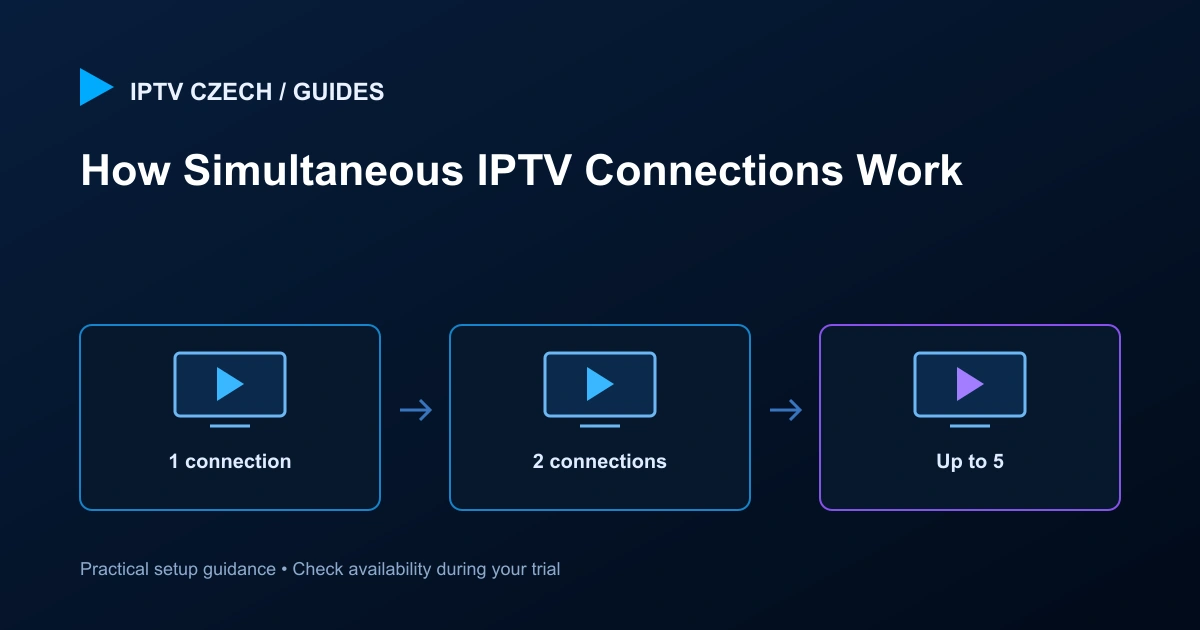
Count viewers who watch at the same time
One person switching between a television and phone may only need one connection, provided playback stops on the first device. Two people watching different programmes together need two simultaneous connections. Owning five screens does not automatically mean five are streaming at once.
Think about the evening when everyone is home. Count the screens that need independent playback then, including a stream left running in another room.
Connections are not WooCommerce quantity
The plan remains one subscription. The selected connection count is part of its configuration, and the full-term price is calculated from the approved matrix. Increasing quantity is not the way to add connections.
Each plan card has an independent selector. Choose the count on the card you will submit, then review the same count at checkout. If you switch tiers, the current counts are retained and the totals update.
Stop old playback sessions
A player may continue streaming when it is left in the background or when the television input changes. Stop playback using the app’s controls before starting another screen on a one-connection plan.
If you suspect a stale session, close the player normally and give it a moment to disconnect. Contact support if the problem persists. Repeated login attempts do not create extra permitted connections.
Allow for shared network demand
Multiple streams share the household’s internet and Wi-Fi capacity. A plan allowing several connections does not increase the bandwidth delivered by your router or provider. Test concurrent viewing under realistic conditions.
If one screen becomes unstable only when another starts, check both the connection allowance and the network. Note which device starts first, the content quality and whether other downloads are running.
Changes after setup
If you later need more simultaneous viewing, contact support for the available adjustment and price. Changing a selector on the website does not alter an existing active subscription.
Confirm the term and final total before submitting a new request, and avoid creating duplicate orders to ask a question. Reply to your existing service email with your order reference instead.