
Choose a Czech IPTV Subscription
A useful subscription starts with the way your household watches. Compare the term, simultaneous connections and features before sending a request. Every price on this site is a full-term EUR total.
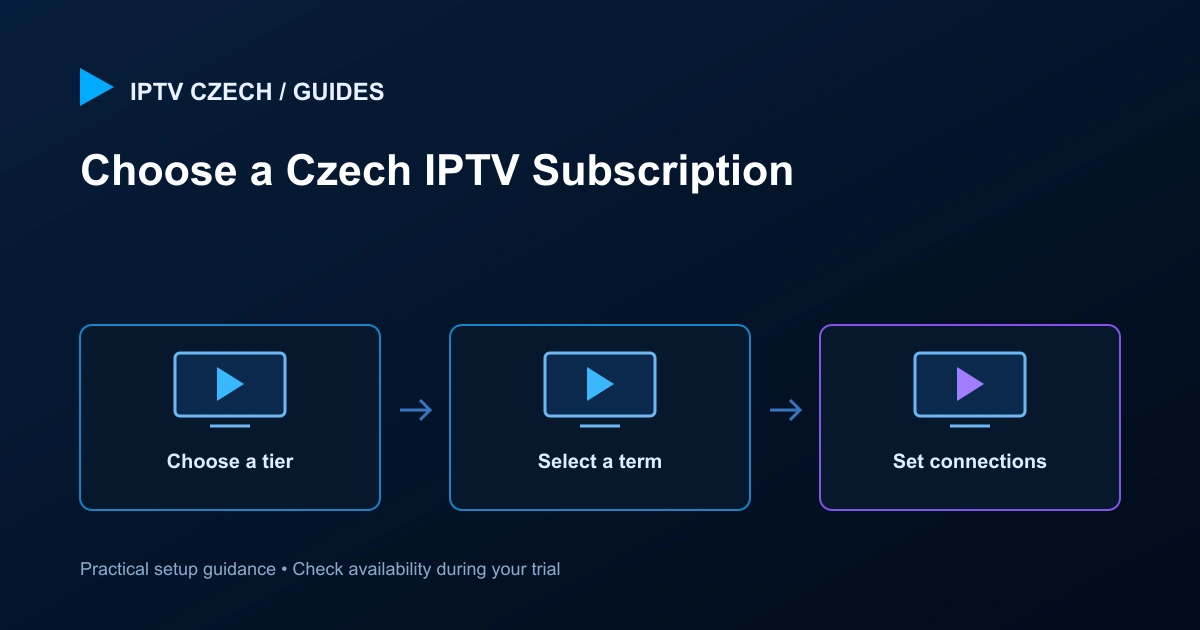
Start with your viewing needs
Write down the Czech channels, programmes and device models that matter most to you. A large catalogue is less useful than reliable access to the programmes you actually watch. Ask support to confirm those priorities before choosing a longer term. If a particular sporting event or language track is essential, check that specific item rather than assuming a package name guarantees it.
A subscription and a player are different things. Your subscription provides access to the service; the player is the application you use to open it. Some players have their own licence or activation. Confirm any separate requirement while testing so there are no surprises later.
Choose Standard or Premium
Standard is the Full HD option in our plan comparison. Premium adds 4K content where available and the listed premium features. A Premium subscription does not turn every channel into 4K. The source, player, screen, decoder and network must all support the stream you choose.
Use the comparison on the plans page to decide which features you will actually use. If your television is Full HD and you mainly watch live channels, start by testing that experience. If premium catch-up or a supported player activation matters, ask about the exact channel or app before selecting a plan.
Match connections to simultaneous viewing
One connection means one device actively streaming at a time. It does not mean you must buy a second subscription simply because you also own a phone. If two people want to watch different programmes at the same time, select two connections. Count the busiest realistic evening in your household rather than every screen you own.
Each duration card has its own connection selector. Changing the three-month card does not change the twelve-month card. The selected card passes its own plan, duration and connection count to checkout. Review the same details again on the order summary before you submit.
Understand the term and total
Plans are available for one, three, six or twelve months. The amount shown is the total for that term and connection count. A twelve-month total is not a monthly instalment. EUR is the checkout currency; any conversion or fees applied by your own payment provider are separate from the site’s displayed price.
For one connection, Standard starts at €14.99 for one month, €29.99 for three months, €39.99 for six months and €59.99 for twelve months. Premium starts at €19.99, €39.99, €49.99 and €79.99 respectively. The live selector shows the approved total for two to five connections. Do not compare plans by dividing a headline figure without checking the term.
Test the service before payment
Our request flow is setup first, test, then pay. Sending the form records your request; it does not charge a card or mean your subscription is already active. Support prepares the next step and confirms availability. Use the trial on the network and screen you intend to use, at a time that reflects your normal viewing.
Test more than one channel. Check a live programme, programme-guide navigation and a film or series if those are important to you. Try the remote control, subtitles and audio selection where provided. If you plan to watch with multiple simultaneous connections, tell support so the relevant arrangement can be confirmed.
What to review at checkout
The checkout asks for your full name, email, phone number and simultaneous connection count. Check your email carefully because service details and follow-up rely on it. The summary repeats the tier, term and full total. If you change connections, wait for the summary to update before submitting.
Read the Terms of Service and Privacy Policy before agreeing. Use a phone number you can be reached on if you choose to provide one. Do not put payment-card information or account passwords in any name or phone field. The request form does not collect those details.
After sending your request
A successful submission opens a protected order-received page with your actual order details. It explains the manual setup process and shows the current request status. An awaiting-setup message is not a paid or activated confirmation. Keep the protected link private because it contains information about your request.
Check your Inbox and Spam/Junk folders for follow-up. When you already have a service email, reply to that conversation for help so the setup team has the context. If you made a mistake in the email address, use the contact guidance and include the order reference, without posting access credentials publicly.
Changing plans or adding connections
Choose the right count before submission whenever possible. If your needs change later, contact support to confirm the available change, its price and when it can take effect. Do not assume a browser selection changes an existing subscription, or that paying for one term automatically renews it.
A longer term can suit a household that has already tested the service, while a shorter term limits the initial commitment. Neither choice removes the need to confirm channel availability and device compatibility. Keep your decision based on the verified viewing experience, not on a channel-count headline alone.
Subscription checklist
Before you continue, you should know the tier, term, simultaneous connection count and full EUR total. You should also have checked your preferred player, the relevant channels, and any player licence. Test the connection from the room where the television will actually be used.
If anything is unclear, pause at the plan-selection stage and ask support. It is easier to clarify a feature before submitting than to correct assumptions after setup. Your next step is to compare the current plans or request a trial; neither page visit creates a paid order by itself.
Related guides
A practical household comparison
Consider a household with one main television and a phone used occasionally while travelling. If only one screen plays at a time, one connection may be enough. A second connection becomes useful when the television stays on while someone watches a different programme on the phone. Make this decision around simultaneous use, rather than the number of apps installed. Closing an app fully after viewing can also prevent a background session from being mistaken for another active screen.
For example, the Standard twelve-month plan costs €59.99 for one simultaneous connection and €99.99 for two. Those are separate full-term totals. They are not monthly charges, and the second figure is not an additional fee on top of the first. If you change the connection selector, check that both the connection count and the total update together. The checkout summary should repeat the final choice. If the summary is different from your intention, return to the plan selector before submitting.
Before deciding on a longer term, make a short acceptance checklist. Include a live channel you watch regularly, a programme with the audio language you prefer, and a movie or series if on-demand viewing matters. Try the remote-control navigation, programme guide and subtitle controls. Test at a normal viewing time and in the room where the screen will stay. This produces a more useful decision than testing one channel briefly next to the router.
Keep the resulting request confirmation so support can identify your selection. A request awaiting manual setup is not evidence that a subscription has already been activated or paid. Confirm the start of service, available features and any player activation separately with support. If you later want to change the term or connections, explain the requested change before arranging payment; do not assume an earlier request automatically updates itself.
Questions about Czech IPTV subscription
Is the twelve-month figure a monthly payment?
No. The displayed EUR price covers the entire selected term and connection count. Review the live total on the plans page.
Does submitting a subscription request take payment?
No. The request is reviewed for manual setup and testing before payment is arranged.