
Czech IPTV Channels: What to Check
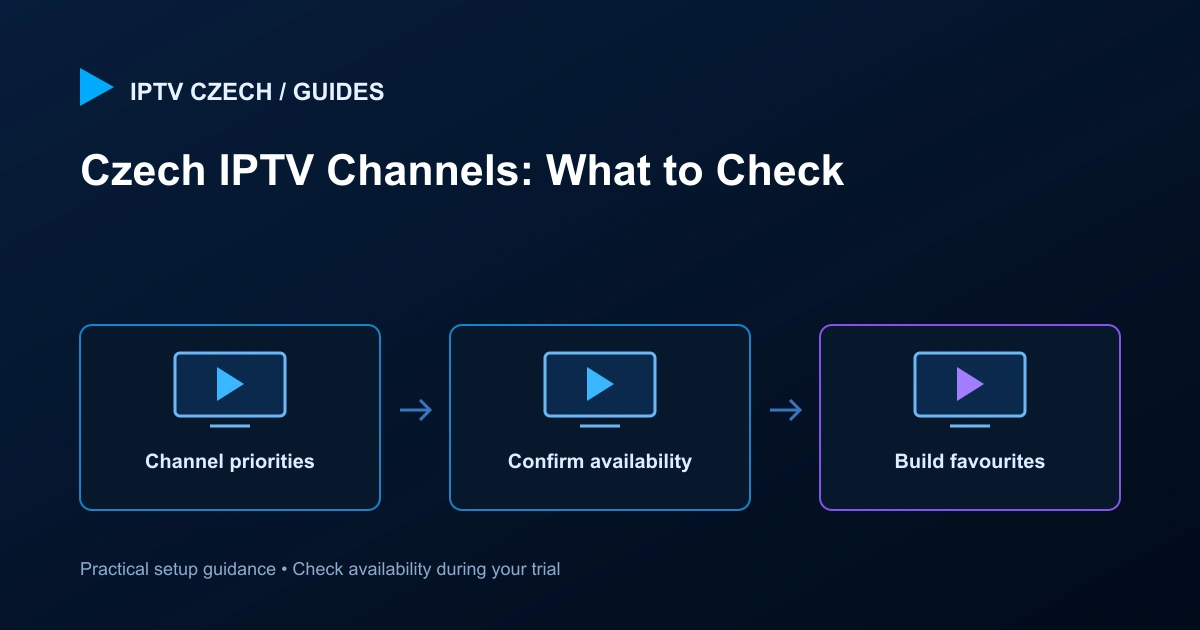
Build your channel checklist around the programmes and languages you actually watch. Confirm exact availability with support before choosing a subscription.
Channel names are not the whole specification
A channel can have multiple regional feeds, quality levels or language tracks. When you ask about availability, give the exact channel name and explain which version matters. A similar title in a catalogue is not always the feed you expected.
For Czech and Slovak viewing, also check programme language, subtitles and the schedule’s time zone. These details can make a larger difference to daily use than a headline channel count.
Separate live TV from on-demand content
Live channels follow a broadcast schedule. Movies and series in a video-on-demand library are selected individually. Catch-up, where provided, is a separate feature tied to supported channels and a limited programme window.
Do not assume that a film appearing on a live channel will also be available as an on-demand title. Check each type of viewing during the trial, especially if one is your main reason for subscribing.
Make a short priority list
Start with five or ten must-have channels, then add any sports, children’s content, news or entertainment requirements. Give support the list before committing to a longer term. If a particular event is essential, ask about that event and date rather than a general sports category.
Keep the list focused enough to test. A broad request for every channel is harder to verify and may hide the one programme that matters most to you.
Test quality and navigation
Open the relevant channels on your intended device. Check that the audio is correct, the picture is usable and channel changes behave as expected. Where guide data is available, compare the displayed programme with the current broadcast.
Create favourites after testing so the household can find familiar channels quickly. Keep an alternative quality version in mind where available if a particular device struggles with a higher-bitrate stream.
Availability can change
Schedules, feeds, rights and catalogue entries can change. The site does not publish a fabricated exhaustive channel list or promise permanent access to a specific event. Support can help confirm the current arrangement for your requested package.
If an established channel stops working, note its name, the time and whether other channels play. Avoid replacing your entire account configuration because one entry fails; use the troubleshooting steps first.
Related guides
Official reference
Use Česká televize’s official programme schedule to check the broadcaster’s programme names and times when preparing your viewing list. A broadcaster schedule does not confirm that a particular feed is included in this service.
Continue with the IPTV Czech overview for the next step.