
Choose an IPTV Player
A player is the application used to open your service. Choose one for your device, supported login method and daily viewing needs; installing an app does not include a subscription.
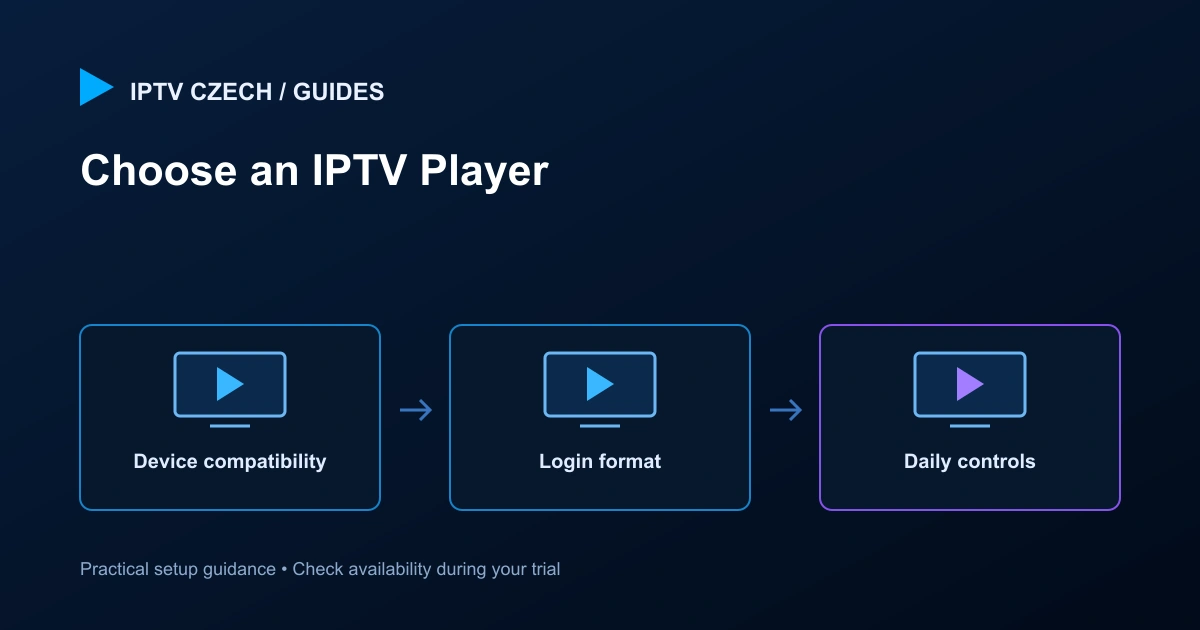
Start with compatibility
Check the exact device and operating system, then confirm the player is available from an official source. A phone application may not work well with a television remote, and a desktop network player may not offer a full programme guide.
Avoid choosing purely from screenshots. Test the controls, text size and navigation on the screen you actually use.
Check login and feature support
Confirm whether the player accepts the supplied account-based login, an M3U playlist or another supported method. Check EPG, catch-up, subtitles, audio selection and favourites separately. A feature in the menu does not guarantee every channel provides the required data.
If your main use is live television, fast navigation and a reliable favourites list may matter more than a decorative library view. If you need on-demand browsing, test search and episode selection.
Understand activation and licences
Some players have their own licence or activation process. Confirm which app and device are covered before paying an external provider. A similarly named application from another publisher is not automatically included.
The Premium feature list mentions supported Hot Player / IBO lifetime activation. Confirm the exact app and current conditions with support; do not assume the label covers every player or hardware change.
Prefer a stable working configuration
Once you have a player that works, record the version and relevant settings. Avoid changing several apps and network settings at the same time when troubleshooting. Compare one condition at a time.
Keep credentials private and download updates through official channels. Modified apps can introduce security and reliability problems unrelated to the subscription.
Evaluate during your trial
Test representative channels, guide loading and the remote or keyboard controls. Check any feature you consider essential before arranging payment. If you find a limitation, tell support the exact player and device combination.
Use the platform guides for installation details and the general setup guide for the account flow. You do not need to disclose passwords to explain most player problems.